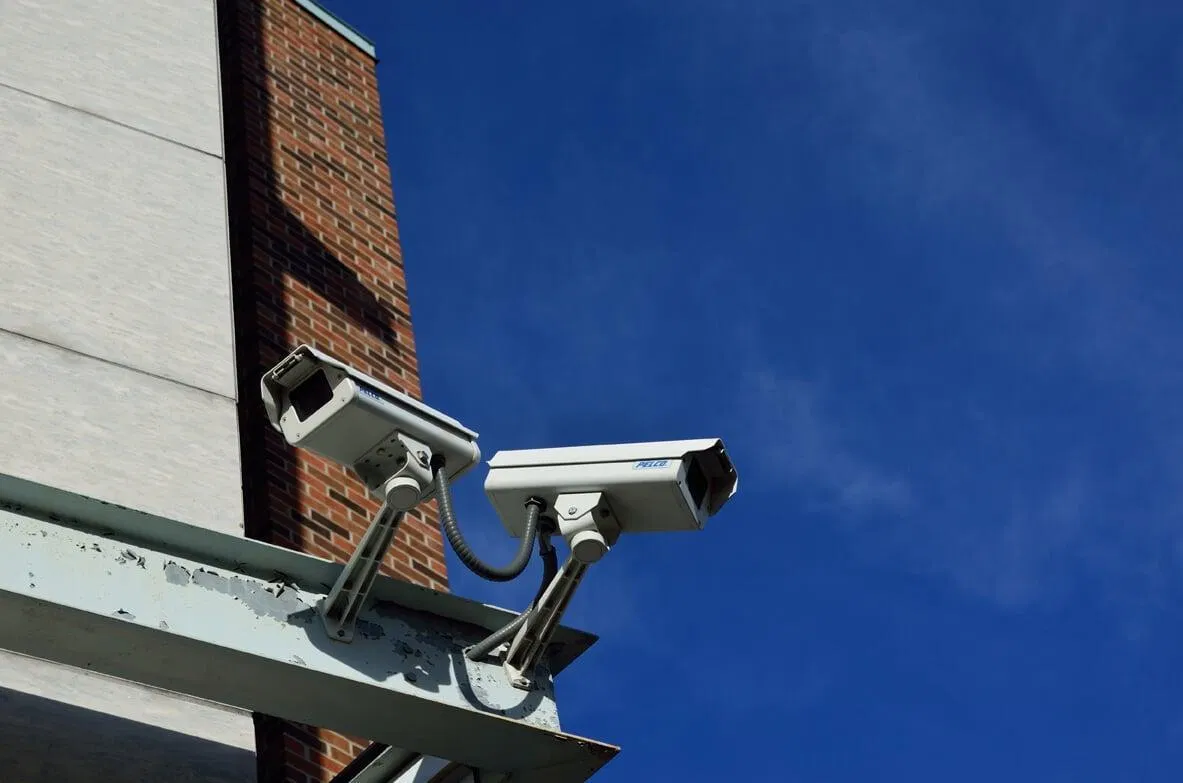
Security camera systems are no longer limited to large corporations or high-risk facilities. Small businesses, homeowners, condominium associations, warehouses, and retail properties increasingly rely on video surveillance to deter incidents, investigate disputes, and maintain better awareness of their surroundings.
However, the quality of your protection depends on more than the number of cameras installed. System design, cabling, network security, weather resistance, recording capacity, and long-term support all influence whether your investment performs when you need it most.
If you are comparing a CCTV installation company in South Florida, use the following eight questions before signing a contract. They will help you evaluate providers based on reliability and total cost of ownership rather than the lowest initial quote.
1. Are you properly licensed and insured for this work in Florida?
Ask the company to identify its Florida license, provide the license number, and explain whether the license covers the low-voltage, security, alarm, or electrical work included in your project. You should also ask whether the company carries current general liability insurance and workers’ compensation coverage.
These safeguards matter for both commercial and residential installations. A camera project may involve drilling through stucco or concrete block, routing cable through ceilings, working at height, and connecting equipment to your network or electrical infrastructure. If an installer damages your property or a worker is injured, inadequate coverage can create significant liability concerns.
Ask for:
- The company’s Florida license information.
- A current certificate of insurance.
- Confirmation that subcontractors, if used, are also properly licensed and insured.
- Clarification about permits, building requirements, or condominium association rules.
Licensing and insurance do not guarantee a perfect installation, but they provide an important baseline for professional accountability.
2. Do you use your own installation team or subcontract the work?
A provider may sell and design the system while relying on a separate crew to perform the physical installation. That arrangement is not automatically unacceptable, but you should understand who will enter your property, who is responsible for workmanship, and who will resolve problems if the installation does not meet expectations.
Ask these questions directly:
- Who will perform the installation?
- Are the technicians employees or independent subcontractors?
- Will the same company handle testing, configuration, and service after installation?
- Who is responsible if a cable fails, a camera is misaligned, or a wall is damaged?
In-house technicians may provide greater consistency between system design and field work. If subcontractors are involved, request their qualifications and confirm that all responsibilities are documented in the proposal.
This is particularly important for commercial security systems, where poor workmanship can affect business operations, network performance, and future serviceability.
3. Will you provide a free on-site assessment instead of quoting only by phone?
A phone or online quote can be useful for an initial budget estimate, but it rarely accounts for the conditions that determine a successful installation. A qualified provider should inspect the property, identify vulnerable areas, evaluate lighting, and determine how cable will reach the recorder and network equipment.
During an on-site assessment, ask the installer to review:
- Entry and exit points.
- Parking areas, loading zones, and side passages.
- Cash-handling or inventory areas.
- Blind spots caused by walls, landscaping, vehicles, or neighboring structures.
- Existing network and electrical infrastructure.
- Camera mounting locations and service access.
- Required recording duration and image detail.
The assessment should lead to a written design showing camera locations, approximate fields of view, recorder capacity, cabling routes, and any recurring fees. Be cautious if a quote lists only “eight cameras and installation” without explaining what those cameras will cover or how the system will be configured.
A free assessment is valuable because it connects the proposed equipment to your actual security objectives rather than treating every property as identical.

4. Which camera and NVR brands and models do you recommend, and why?
The brand name alone does not determine whether a system is appropriate. Ask for the exact camera and NVR model numbers, along with their technical specifications. A reputable provider should be able to explain why specific equipment matches your property, lighting conditions, storage requirements, and budget.
Review the following specifications:
- Resolution, such as 1080p, 5MP, or 4K.
- Night vision range and low-light performance.
- Lens type and field of view.
- Weather and impact ratings for outdoor cameras.
- Motion detection and video analytics.
- NVR channel capacity and hard-drive size.
- Expected footage retention period.
- H.265 or comparable video compression.
- Compatibility with remote viewing applications.
The NVR, or network video recorder, is the central component that stores and manages footage. A system with high-resolution cameras but insufficient storage may overwrite important recordings too quickly. Conversely, selecting excessive resolution without considering bandwidth and storage can increase costs without improving useful evidence.
Ask who owns the NVR administrator account, cloud account, and system credentials. Those accounts should belong to you or your business, not remain exclusively under the installer’s control.
5. Will you configure secure remote viewing and the mobile application?
Remote viewing is one of the most useful features of modern business security cameras. It allows authorized users to check live video, review recordings, and receive alerts from a phone, tablet, or computer.

Before signing, confirm that the provider will configure the application and demonstrate how to:
- View live and recorded footage.
- Search by time, motion, or camera.
- Export video for law enforcement or insurance purposes.
- Create individual user accounts.
- Remove access when an employee or vendor leaves.
- Adjust push notifications and email alerts.
- Restore access after an internet or power outage.
Security should also be considered. Ask whether the NVR will use strong, unique credentials, whether remote connections are encrypted, and whether the installer will avoid leaving default passwords in place. Your CCTV system is connected to a network and should be treated as part of your broader technology environment.
A professional installer should also explain what continues to operate if the internet goes down. In many systems, local recording can continue even when remote access is temporarily unavailable.
6. How will the system handle South Florida heat, salt air, storms, and building materials?
South Florida presents conditions that should influence both equipment selection and installation methods. Heat, humidity, intense sunlight, heavy rain, salt air, and tropical storms can shorten the life of unsuitable equipment or poorly protected connections.
Ask how the provider will address:
- UV exposure and high outdoor temperatures.
- Corrosion from coastal salt air.
- Heavy rain and wind-driven moisture.
- Camera and mounting hardware durability.
- Water intrusion at junction boxes and cable entries.
- Surge protection and backup power.
- Post-storm inspection and service.
- Secure mounting to concrete block, stucco, brick, or other surfaces.
Exterior cameras should be selected for appropriate outdoor use, with properly sealed connections and mounting hardware suited to the surface. Installation through stucco or concrete block also requires the correct anchors, seals, and cable protection. Improper penetrations can create water intrusion and maintenance problems.
Surge protection and an uninterruptible power supply may also be appropriate for the NVR, network switches, and other critical equipment. These measures do not eliminate storm-related damage, but they can reduce avoidable downtime and support a faster recovery.
7. How will you route, label, test, and document the cabling?
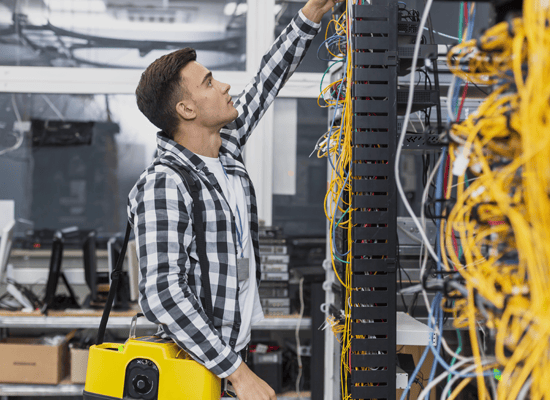
The cabling is the infrastructure that connects your cameras to the recorder and network. It should not be treated as an afterthought. Ask whether the installer will route cable neatly, protect it from damage, separate it from high-voltage wiring where required, and provide documentation after completion.
Clarify whether the proposal includes:
- Cat5e, Cat6, Cat6A, fiber, or another cable type.
- Interior and exterior-rated cable where appropriate.
- Proper conduit, raceways, junction boxes, and weather seals.
- Centralized cable routing to a rack, closet, or equipment area.
- Labels at both ends of each cable.
- Testing and certification of each network line.
- A cable map or as-built documentation.
- Removal or identification of abandoned cabling.
Choosing a provider that also performs structured cabling can simplify the project, particularly when cameras must share infrastructure with wireless access points, computers, phones, or access control devices. Properly labeled and tested cabling makes future troubleshooting and expansion more efficient.
8. What warranty, maintenance, support, and expansion options are included?
The final question should address the system’s entire service life, not only the installation date. Ask for the equipment warranty and workmanship warranty in writing. These may be different, and storm damage, accidental damage, and power surges may be treated separately from manufacturer defects.
Also confirm:
- Whether preventive maintenance is available.
- How often cameras, mounts, lenses, and storage systems should be inspected.
- Whether remote troubleshooting is included.
- Expected response times for service calls.
- Whether firmware updates and system health checks are covered.
- What happens after the warranty expires.
- Whether additional cameras can be added later.
- Whether the system can integrate with alarms or access control.
- Whether the NVR, network switches, and cable infrastructure have spare capacity.
A system designed for future expansion may cost more initially, but it can reduce replacement costs when your business grows or your security requirements change. For example, adding cameras to an appropriately sized NVR and network may be straightforward, while an undersized system may require replacing the recorder, switches, and cabling.
The cheapest quote is rarely the lowest total cost if it includes a short warranty, limited support, untrained installers, insufficient storage, or no maintenance plan. Compare proposals by reviewing equipment quality, labor, documentation, recurring fees, service terms, and expansion costs together.
Make the decision based on long-term value
A CCTV installation is a technology and infrastructure investment. The right provider should help you understand what the system will monitor, how it will operate during disruptions, how your footage will be protected, and how the system can evolve over time.
LV8 Communications has been a Florida Licensed Low Voltage Provider since 2005. We offer free assessments, customized security camera solutions, professional installation, technical support, and ongoing maintenance for South Florida businesses, homes, and associations. To discuss your requirements, request an assessment through LV8 Communications.