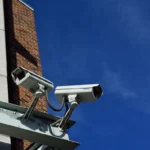
Security is no longer limited to a camera mounted over a doorway or an alarm panel near the entrance. In 2026, effective protection may include security cameras, intrusion sensors, environmental monitoring, access control, mobile notifications, and professional monitoring working together across a property.
For South Florida homeowners and small businesses, wireless technology offers a practical way to improve protection without opening finished walls or installing extensive cable. However, wireless does not automatically mean simple or risk-free. Performance depends on building materials, network design, power availability, device placement, and ongoing maintenance.
In this guide, we delve into how wireless security systems operate, how they compare with wired systems, and what you should consider before installing one in a home, office, retail store, warehouse, or condominium property.
What Is a Wireless Security System?
A wireless security system uses radio frequency, Wi-Fi, cellular communication, or a combination of these technologies to connect security devices and transmit alerts.
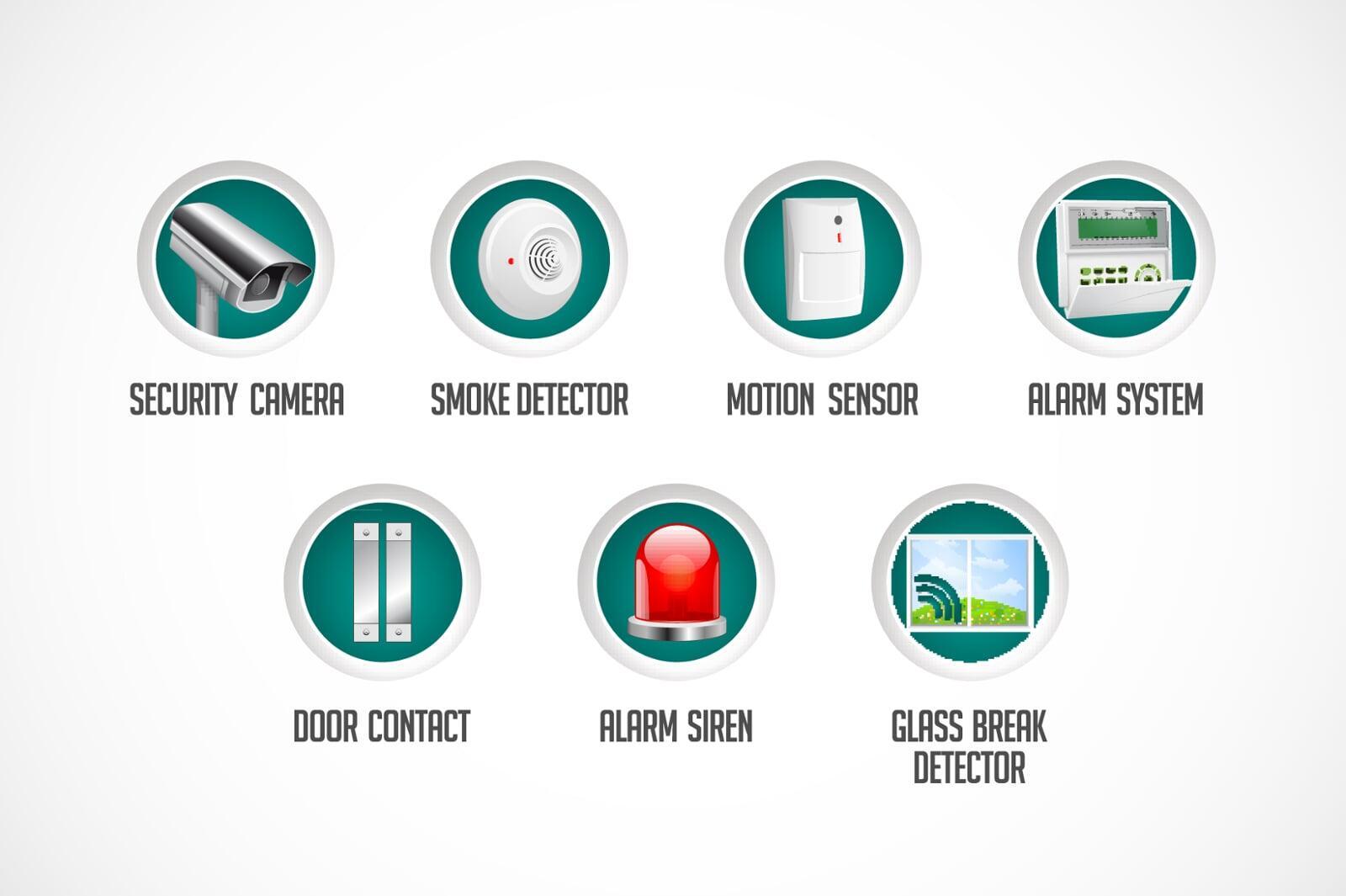
A typical system may include:
- A central hub or alarm panel: This receives signals from sensors and manages the system.
- Door and window sensors: These detect unauthorized entry through designated openings.
- Motion detectors: Passive infrared, or PIR, sensors identify movement and changes in heat patterns.
- Wireless cameras: These provide live video, recording, remote viewing, and motion alerts.
- Glass-break, smoke, water, and temperature sensors: These extend protection beyond burglary detection.
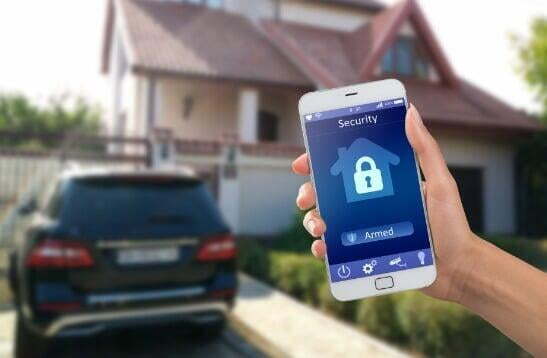
- Keypads and mobile applications: These allow users to arm, disarm, and monitor the system.
- Cellular and battery backup: These help maintain communication during internet or power interruptions.
Wireless alarm sensors often communicate directly with a base station using a dedicated, low-power radio signal. This is different from a wireless camera, which typically relies on Wi-Fi to transmit video. Understanding this distinction is important because a property may have excellent alarm coverage but inadequate Wi-Fi for cameras.
LV8’s wireless alarm and sensor solutions include entry, motion, smoke, glass-break, water, and panic sensors designed for residential and commercial applications.
Wireless vs. Wired Security Systems
Neither wireless nor wired technology is the right choice for every property. The appropriate design depends on the building, risk level, construction stage, budget, and future expansion plans.
| Consideration | Wireless System | Wired System |
|---|---|---|
| Installation | Faster and less disruptive | Requires cable pathways, drilling, or wall access |
| Flexibility | Easy to relocate or expand | Changes may require additional cabling |
| Reliability | Depends on signal strength, interference, and batteries | Generally stable when properly installed |
| Power | Batteries or local power supplies are common | Often powered through central or network cabling |
| Best suited for | Existing homes, rentals, small offices, and renovations | New construction, large facilities, and critical areas |
| Maintenance | Requires battery and connection monitoring | Requires cable, power, and equipment inspections |
| Outage protection | Requires battery and cellular backup | Requires backup power and, where applicable, backup communications |
Modern wireless systems can be dependable when professionally designed. However, large commercial properties, warehouses with metal shelving, concrete structures, and facilities with high security requirements may benefit from a wired or hybrid architecture.
A hybrid system uses wired connections for critical components: such as network video recorders, core cameras, access control panels, or backbone network equipment: while using wireless sensors or cameras in areas where cabling is difficult.
Wireless Security Cameras Require Strong Network Planning
Wireless cameras are more demanding than most alarm sensors because they transmit larger amounts of data. Video resolution, frame rate, compression, recording method, and the number of cameras all affect network performance.
Before installing business security cameras or residential cameras, evaluate:
- Upload bandwidth: Cloud recording and remote viewing require sufficient upstream capacity.
- Wi-Fi coverage: The camera must maintain a stable connection at its actual mounting location.
- Network congestion: Cameras share bandwidth with computers, point-of-sale systems, phones, and other connected devices.
- Encryption and passwords: Use strong, unique credentials and current firmware.
- Recording requirements: Local recording through an NVR may reduce dependence on continuous cloud uploads.
- Outdoor signal conditions: Exterior walls, impact-resistant windows, landscaping, and distance can weaken wireless signals.
A practical design may use wireless cameras for locations that are difficult to cable, while using wired Power over Ethernet cameras for entrances, loading areas, cash-handling locations, and other high-priority zones.
LV8’s CCTV installation services include high-definition and 4K cameras, NVR storage, remote viewing, push notifications, and technical support. A professional assessment can determine whether a wireless, wired, or hybrid camera system is appropriate.

Mesh Wi-Fi and Access Points: When They Matter
A standard internet router may be sufficient for a small home with a few sensors. It may not be sufficient for a larger property with multiple cameras, detached areas, multiple floors, or dense construction.
Mesh Wi-Fi systems and professionally installed access points can improve coverage by distributing wireless connectivity across the property. Consider additional access points when:
- Cameras are located far from the primary router.
- The building includes concrete block walls or metal framing.
- The property has multiple floors or separate structures.
- Outdoor cameras monitor gates, parking areas, or storage spaces.
- Video frequently buffers, disconnects, or records at reduced quality.
- Business operations already place heavy demands on the network.
Access points should be positioned based on coverage testing rather than appearance alone. In some situations, wired backhaul between access points provides better reliability than a fully wireless mesh because each access point receives a stronger connection to the network.
LV8 can combine security camera planning with structured cabling and network infrastructure, including wireless access point installation, cable testing, labeling, and network rack organization.
South Florida Installation Considerations
South Florida properties present several conditions that should influence system design.
Heat, humidity, and salt air
Outdoor cameras and enclosures should be rated for the environment where they will be installed. Equipment placed near the coast may require additional attention to corrosion resistance, cable terminations, junction boxes, and mounting hardware.
Storms and power interruptions
A security system should not depend on a single connection. Use a combination of:
- Battery backup for the alarm hub, router, and network equipment.
- Uninterruptible power supplies for NVRs and switches.
- Cellular backup for alarm communications.
- Surge protection for sensitive electronics.
- A documented recovery plan after an extended outage.
Wi-Fi cameras may stop transmitting during an internet or power outage unless the network and recording equipment have appropriate backup protection. Alarm sensors using dedicated radio communication may continue operating locally, but remote notifications still require an available communication path.
Building materials and layout
Concrete block construction, tile roofs, metal doors, reinforced walls, and impact-resistant windows can affect radio and Wi-Fi performance. A professional installer should test signal strength at each planned device location rather than relying solely on advertised range.
Condominium and commercial requirements
Condominium associations, landlords, and commercial property managers may have restrictions concerning exterior mounting, shared networks, privacy, and cable pathways. Obtain approval where necessary and define who can access recorded video and system controls.
How Wireless Systems Differ for Homes and Businesses
Residential properties
A wireless residential system may include sensors on exterior doors and first-floor windows, motion detection, smoke and water sensors, a doorbell camera, and cameras covering the driveway or rear property.
Wireless systems are often suitable for:
- Finished homes where wall access is limited.
- Condominiums and townhomes.
- Rental properties.
- Homeowners who expect to relocate devices.
- Properties requiring quick installation with minimal disruption.
Battery management is essential. Door and window sensors may operate for years, while wireless cameras generally require more frequent charging or a local power connection.
Small businesses and commercial properties
Commercial security systems typically require more detailed coverage and stronger system administration. Retail stores may need cameras at entrances, registers, stockrooms, and parking areas. Offices may require access control, visitor management, and cameras at sensitive areas. Warehouses may need perimeter monitoring, loading dock coverage, and solutions that account for tall shelving and metal obstructions.
For businesses, prioritize:
- Continuous recording for critical areas.
- Local storage through an NVR or secured server.
- User permissions and strong password policies.
- Camera coverage that supports incident review.
- Reliable network infrastructure.
- Backup power and communication.
- Professional maintenance and system testing.
Wireless devices can be valuable for temporary spaces, leased facilities, remote gates, and locations where construction is not practical. For high-value assets or mission-critical operations, a hybrid system usually provides a stronger balance between flexibility and reliability.

Security and Privacy Should Be Part of the Design
Wireless security equipment is also connected technology, so cybersecurity must be included in the installation process. The National Institute of Standards and Technology’s IoT cybersecurity baseline emphasizes capabilities such as device identification, data protection, secure configuration, and software updates.
Implement these practices:
- Change default usernames and passwords.
- Use separate networks for cameras and general business devices when practical.
- Enable multi-factor authentication.
- Keep firmware and applications updated.
- Limit administrative access.
- Review cloud retention policies.
- Remove former employees or residents from system access.
- Establish a maintenance schedule for batteries and equipment.
A Practical Wireless Security Checklist for 2026
Before selecting a system, document the following:
- Which doors, windows, rooms, and outdoor areas require coverage?
- Are cameras needed for deterrence, investigation, or both?
- Is the existing Wi-Fi strong enough at every proposed camera location?
- Would additional mesh nodes or wired access points be necessary?
- What happens if power or internet service is interrupted?
- Which devices require batteries, and who will maintain them?
- Should critical cameras or access control components be wired?
- Who is authorized to view recordings and manage the system?
- Will the system need to expand as the property or business changes?
Selecting the right provider is equally important. LV8 Communications has operated as a Florida Licensed Low Voltage Provider since 2005, providing customized security camera systems, wireless network installation, structured cabling, alarms, and access control throughout South Florida. Our team can assess the property, identify connectivity limitations, and recommend a cost-conscious wired, wireless, or hybrid solution.
For a professional evaluation, contact LV8 Communications to schedule an assessment. A properly designed system is not simply an equipment purchase; it is a long-term investment in operational continuity, risk mitigation, and the protection of your home, employees, customers, and assets.